Open a synthetic Azure commerce platform of 153 planned resources in the Explorer, find one resource, and read the evidence behind its placement. The first half needs only a browser; the second half installs Rootform and produces the same result on your machine.
Rootform turns a Terraform or OpenTofu plan, or a state export, into a Form: a portable saved result you can explore, explain, compare, and check. The Explorer is the Form's interactive view. Nothing here runs Terraform, since the sample plan is already exported.
-
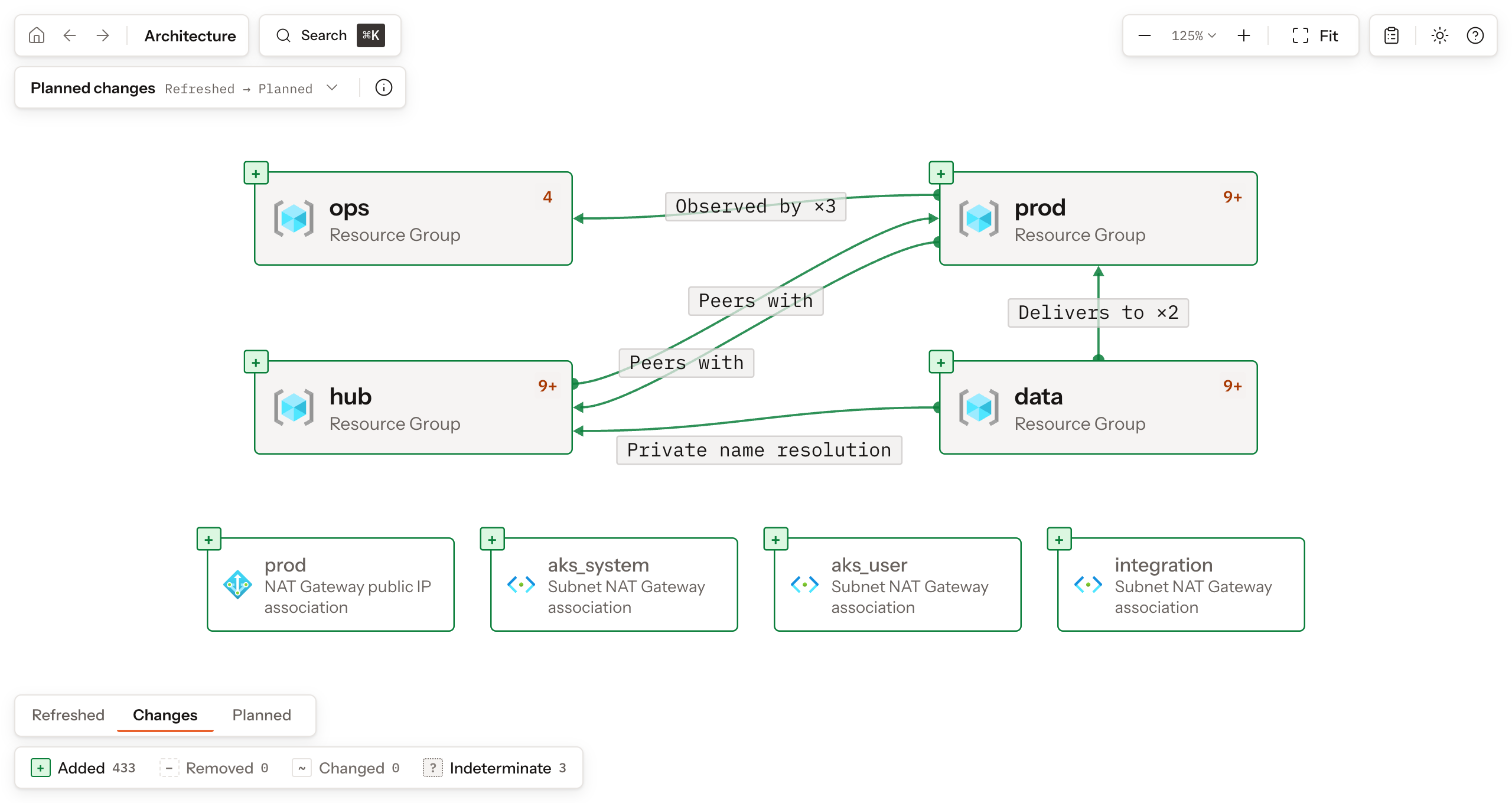
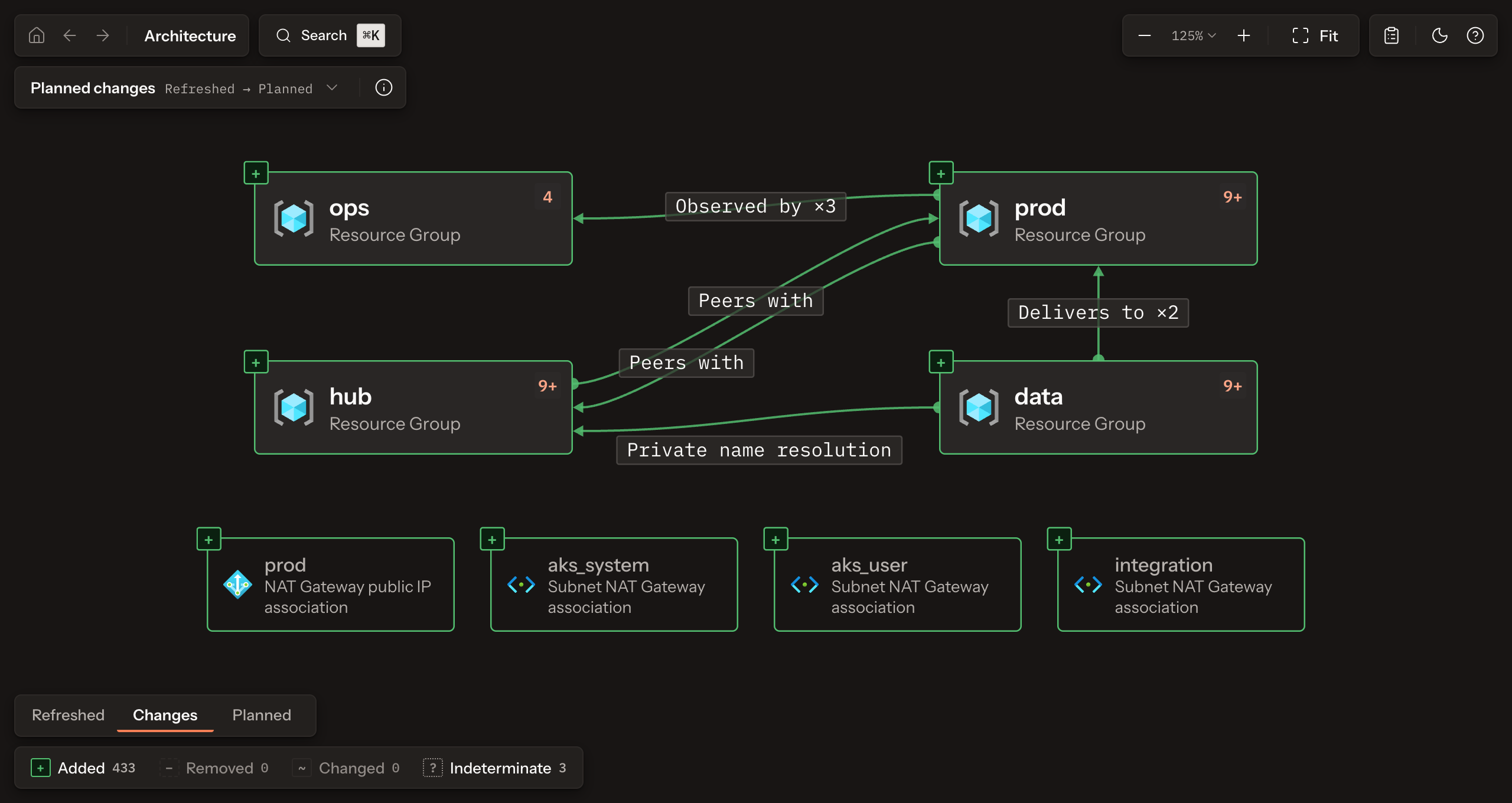
Open the Playground and keep Commerce platform with Plan selected. The canvas shows the top level of the planned architecture: four resource groups, the relations between them, and a few resources that no group holds.
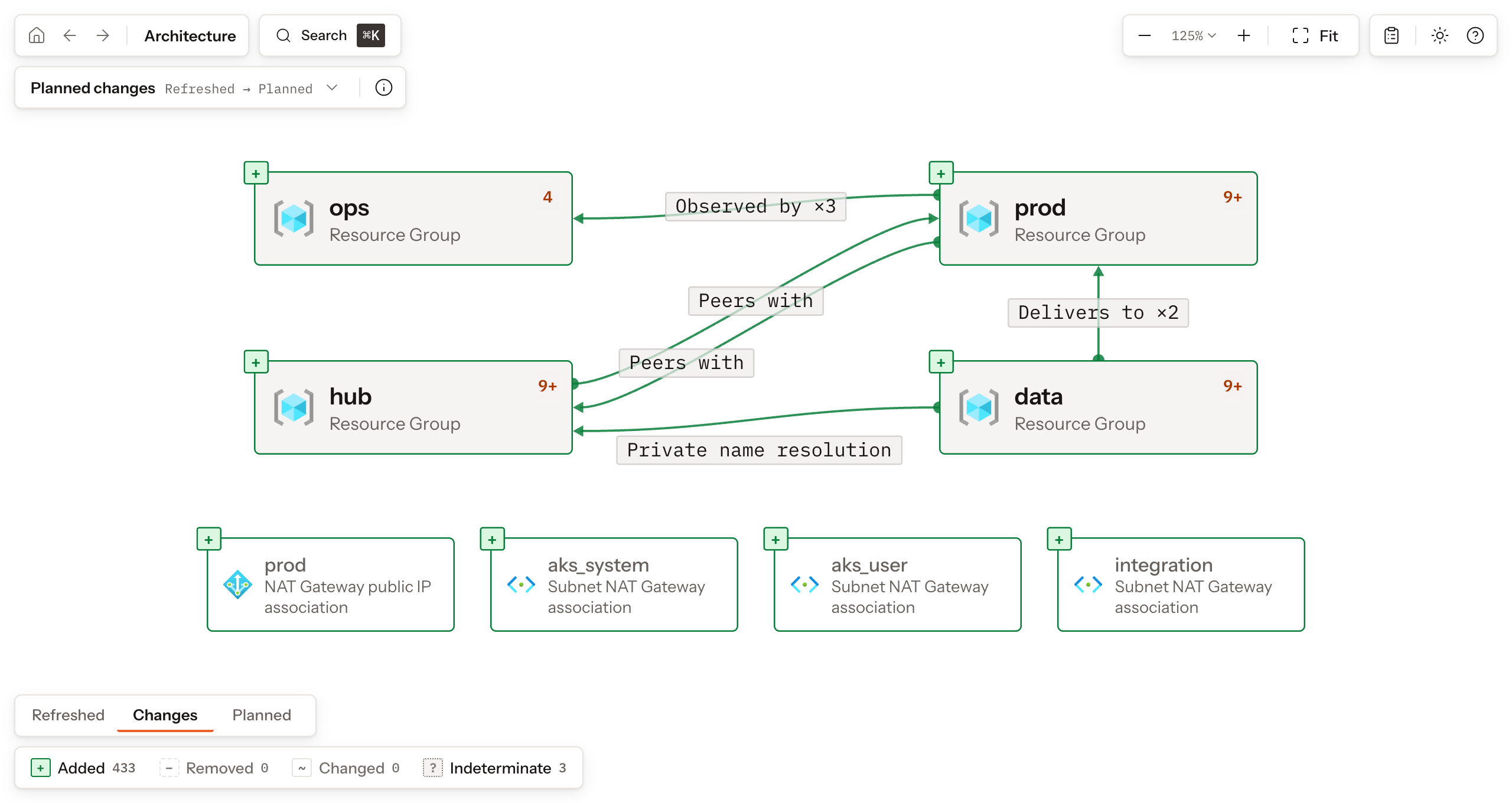
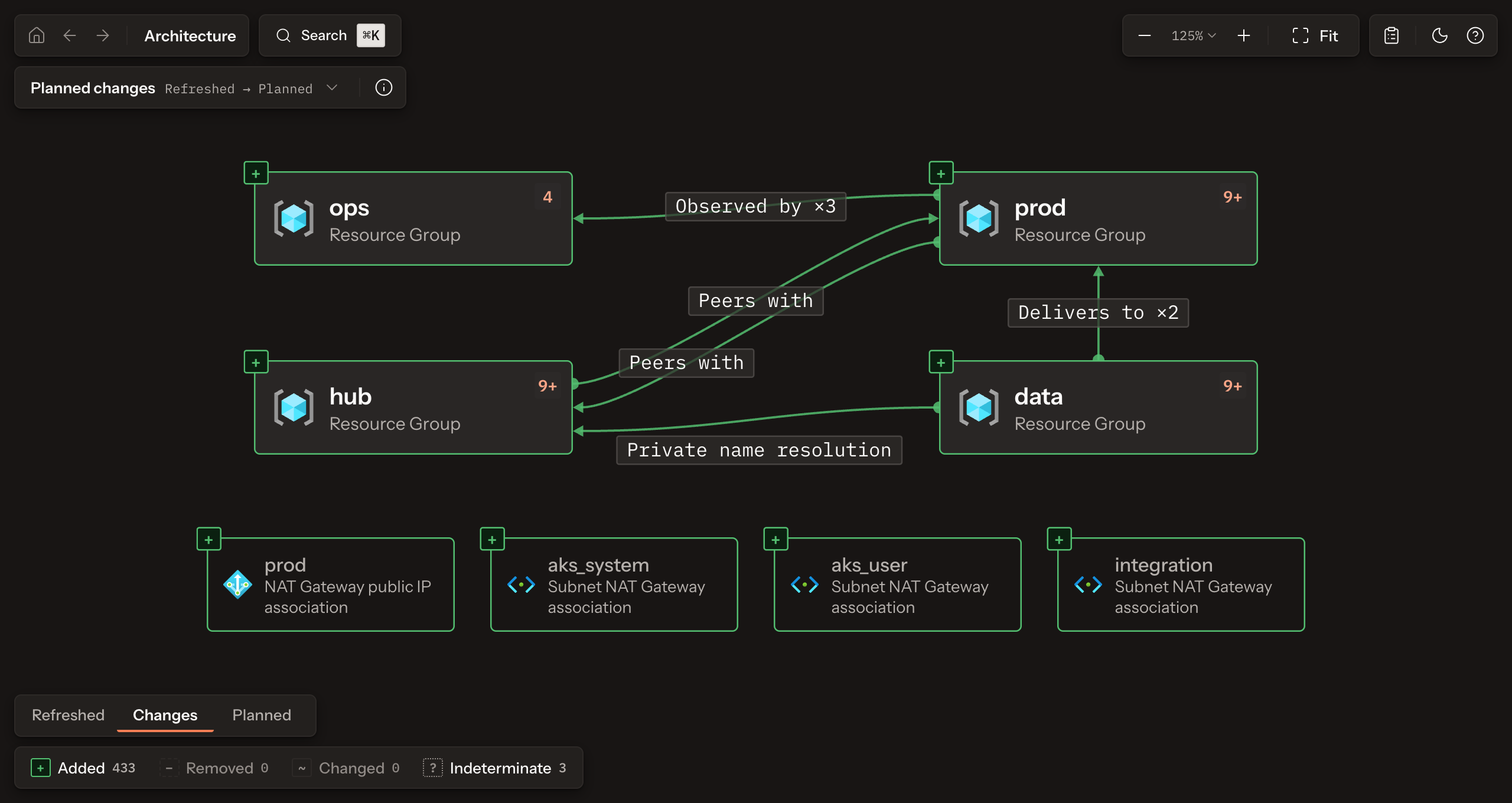
The selector at the top left reads Planned changes, Refreshed to Planned: this plan starts from an empty state, so everything it proposes is added. The counters at the bottom count the added, removed, and changed entries, and the placements the evidence could not settle.
-
Press Search (
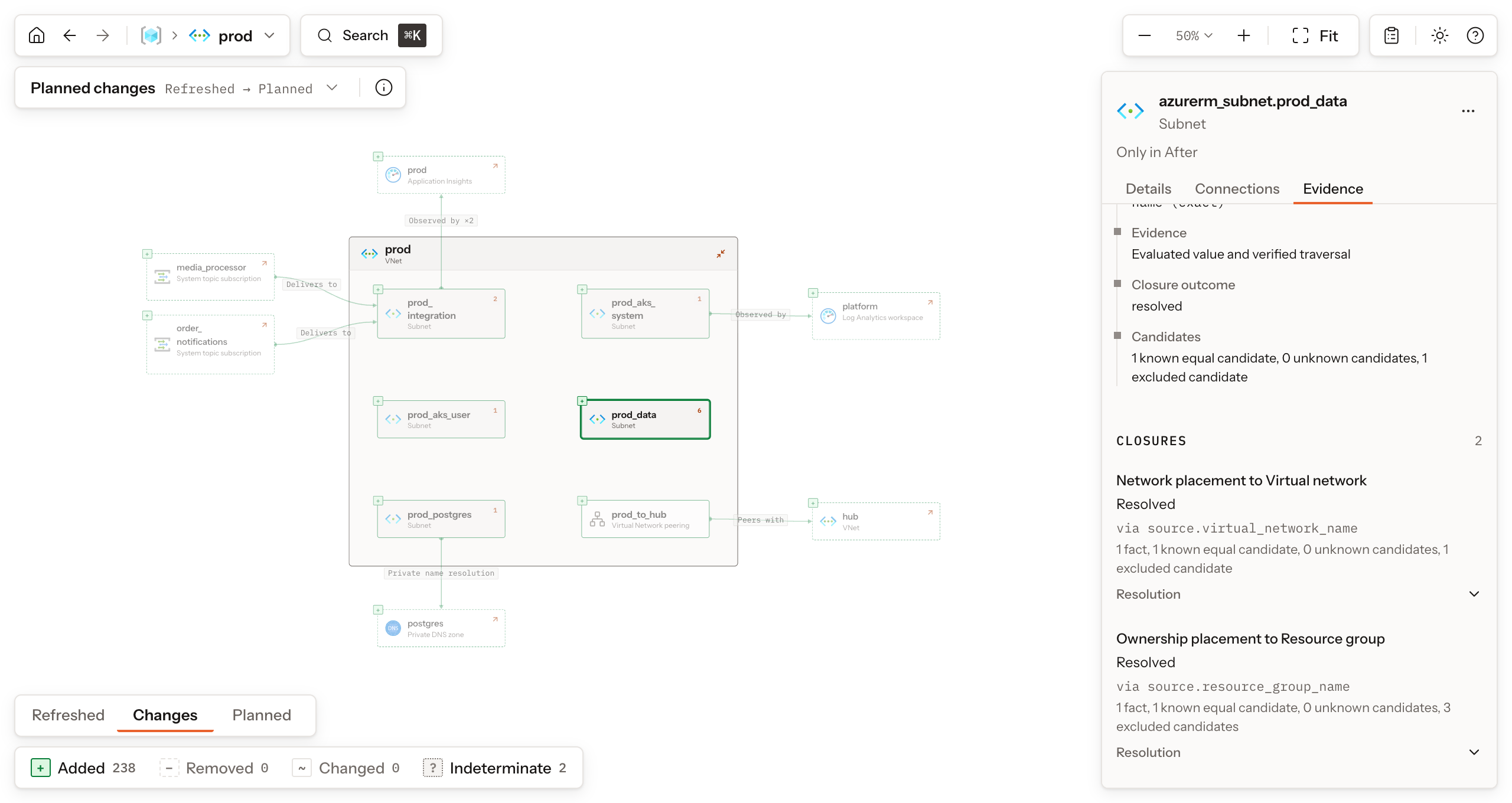
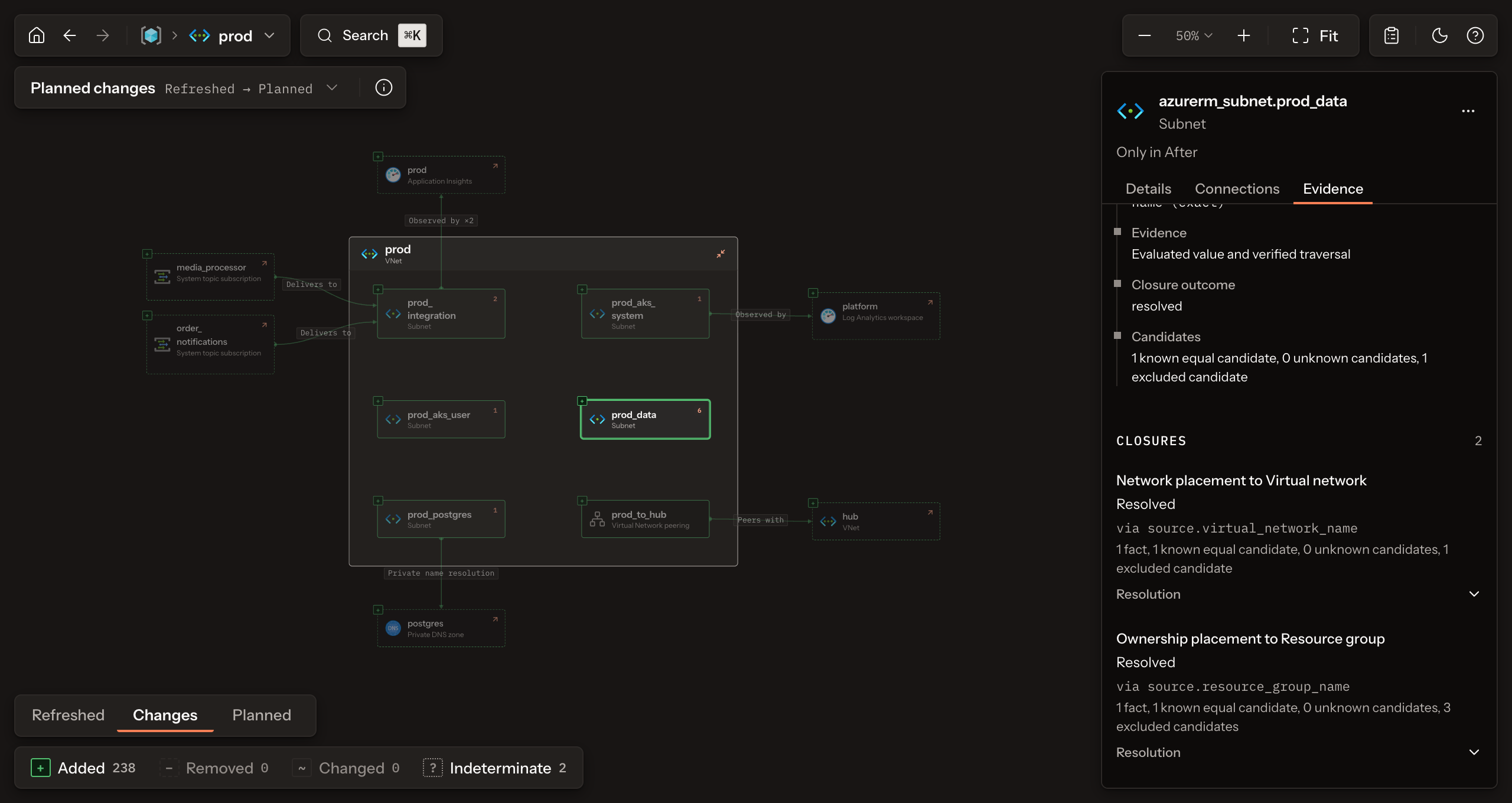
⌘Kon macOS,Ctrl+Kelsewhere) and typeprod_data. The first result is the subnetazurerm_subnet.prod_datawith its pathprod / prod: resource groupprod, virtual networkprod. Choose it, and the Explorer opens the virtual network that holds the subnet. Select the prod_data card to open the Inspector on the right. -
In Details, Contexts lists two placements: Ownership in resource group
prodand Network in VNetprod. Incoming contexts lists the six private endpoints placed in this subnet; Scene members counts them.Open the Evidence tab. Under Evidence, the entry
azurerm_subnet.prod_data → azurerm_virtual_network.prodis the network placement. Expand its Resolution: it names the Ruleazure.rule.subnet, the attribute it followed,source.virtual_network_name, and the kind of evidence that settled it. The resolved outcome establishes this placement.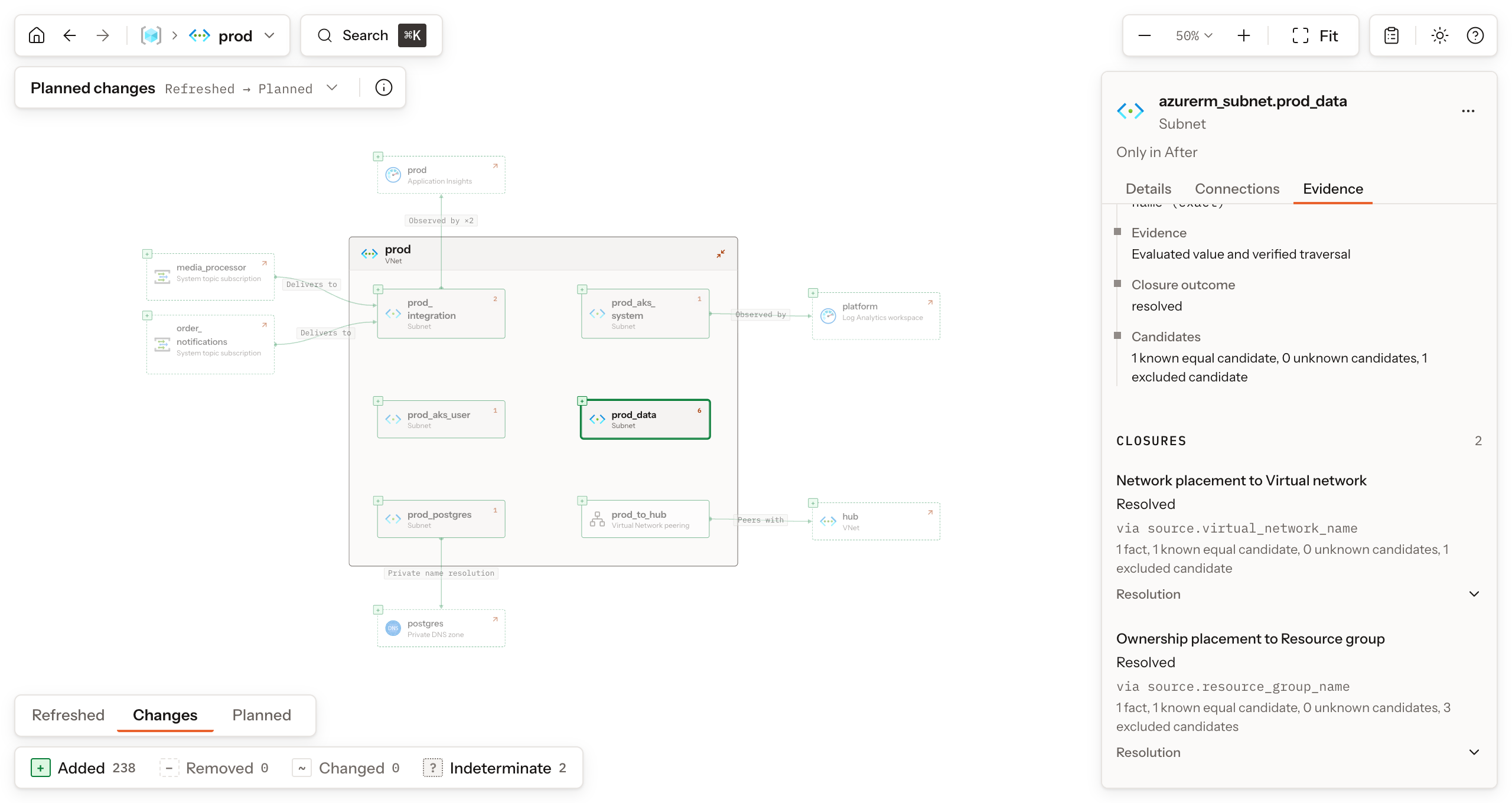
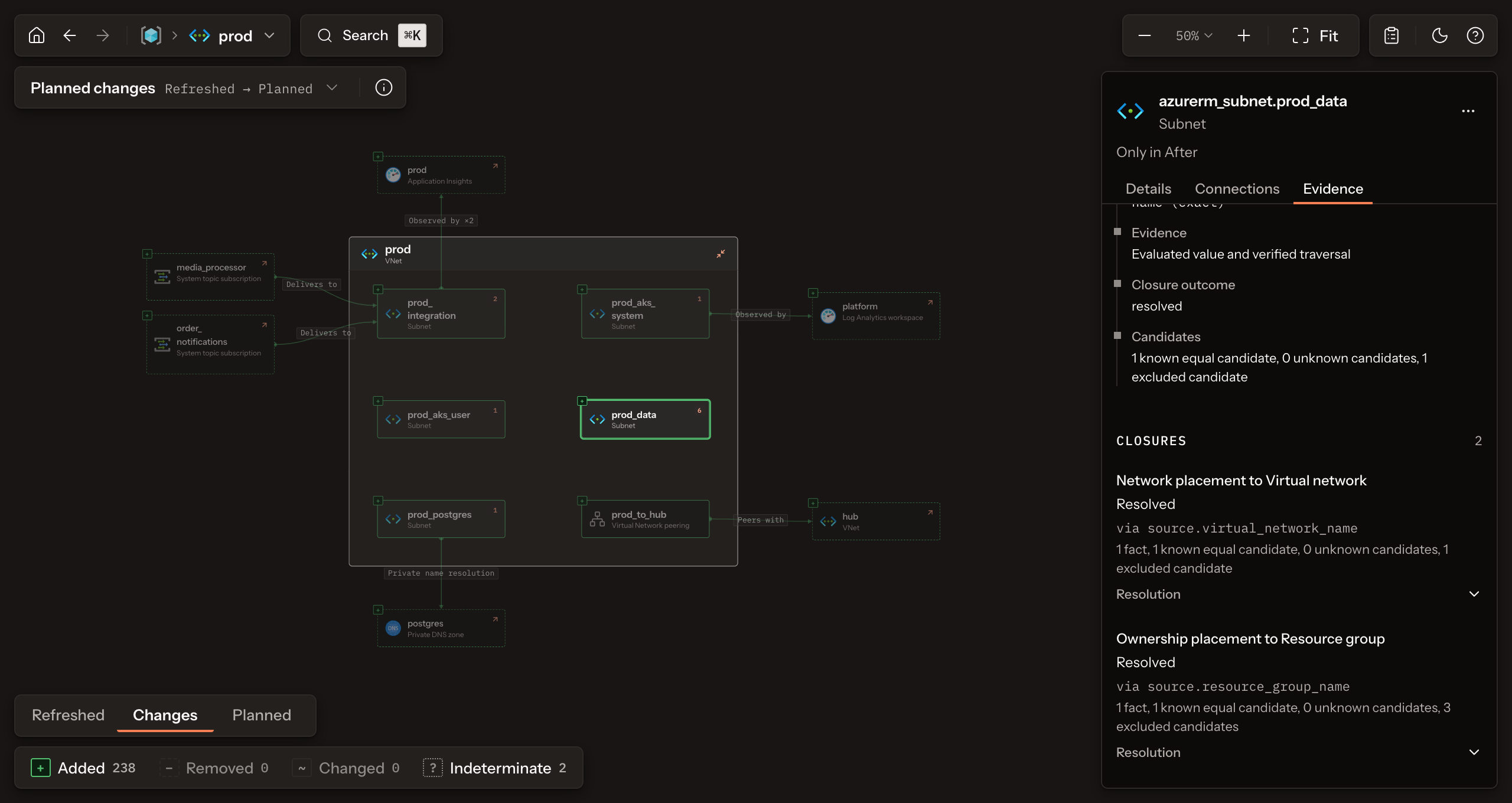
That one fact carries the whole idea. Rootform did not draw the subnet inside the VNet because Terraform references it: a Rule in the Azure Dialect declares what the reference means, and the plan evidence proved it. Trace a placement explains how producer references become architectural facts and what incomplete evidence changes.
-
Install Rootform, then download the two files that produced this Form: the plan JSON export and the saved plan it was exported from.
Shellmkdir rootform-quickstart && cd rootform-quickstartcurl -fsSLO https://raw.githubusercontent.com/rootform-dev/rootform/v0.1.0-pr.117.1/examples/playground/commerce-platform/head/plan.jsoncurl -fsSLO https://raw.githubusercontent.com/rootform-dev/rootform/v0.1.0-pr.117.1/examples/playground/commerce-platform/head/plan.tfplanAnalyze the plan. Rootform reads both files, prints a summary, and opens the Explorer in your browser from a local server:
Shellrootform run plan.json --plan-file plan.tfplanRun output excerpt OUTPUTPlan analyzedEnrichment Saved plan paired with this plan JSON (1 module)Stage PlannedArchitectureInstances 153Interpreted 153Contexts 207The terminal also shows the Explorer address; press
Ctrl+Cwhen you are done. Enrichment records that the saved plan paired with the JSON export, which is how Rootform followed references whose values are unknown until apply. Instances counts the resource instances in the plan, and Interpreted counts those a Rule matched: all 153 here. The 207 contexts are placements like the one you just read. -
Write the Form to a file instead of serving it:
Shellrootform run plan.json --plan-file plan.tfplan --no-serve -o analysis.jsonSaved Form excerpt OUTPUTWrote analysis.jsonanalysis.jsonreopens withrootform run analysis.jsonwithout the plan files. Explain an architecture questions it from the terminal, Check a Form with Policies evaluates Policies against it, and Compare two Forms sets it against another revision. It holds no sensitive plan values, but it names resources and describes topology.
Next, move to your own files with Analyze your plan or state, or stay with this sample in Explore a Form.