Documentation
Overview
Rootform reads plan and state exports from Terraform or OpenTofu, then shows the architecture they describe: which resources sit where and what connects to what. Plans also show what changes. The result is a Form, a saved file you can explore in a browser, question from the terminal, compare with another revision, and check against Policies.
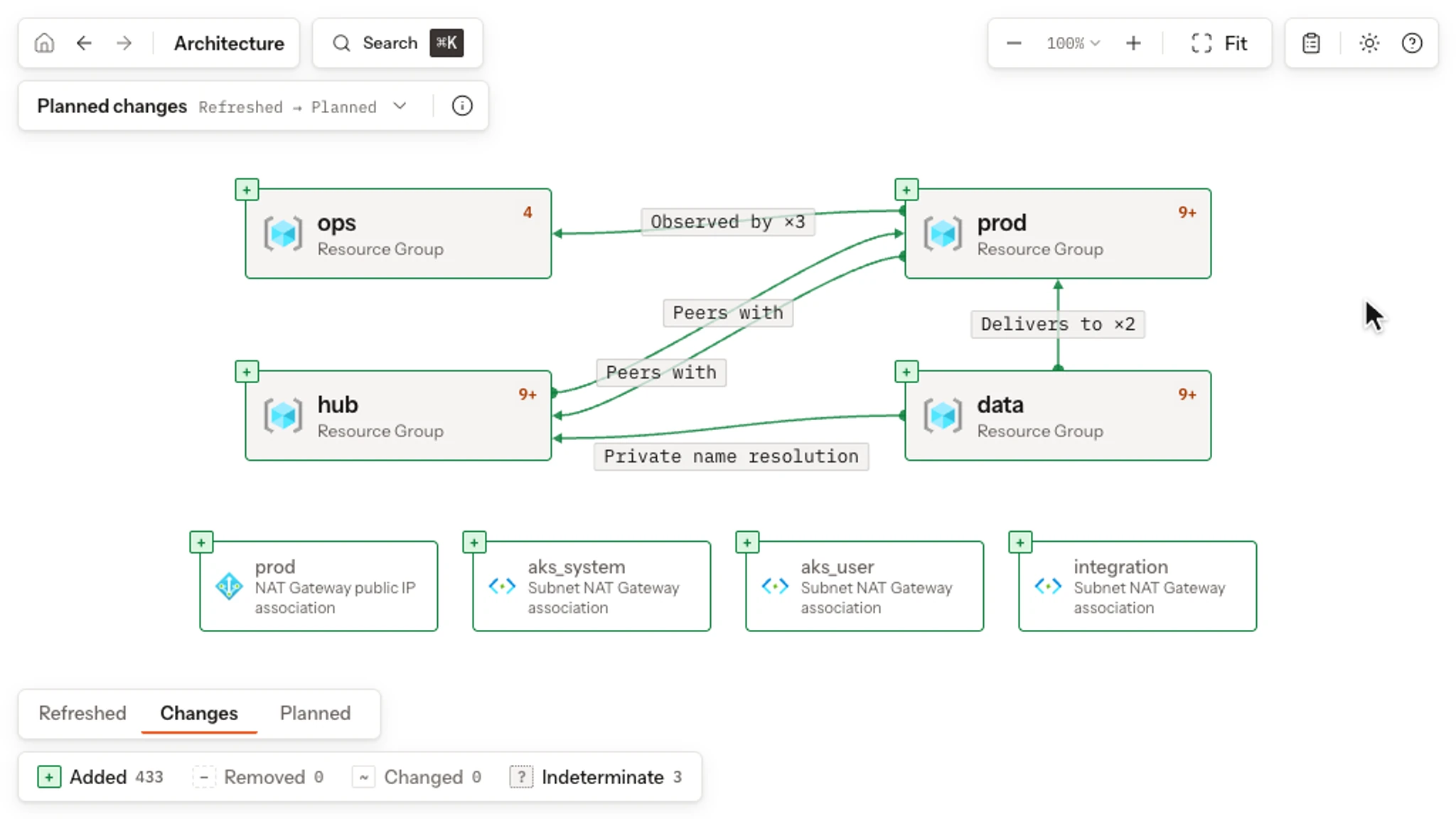
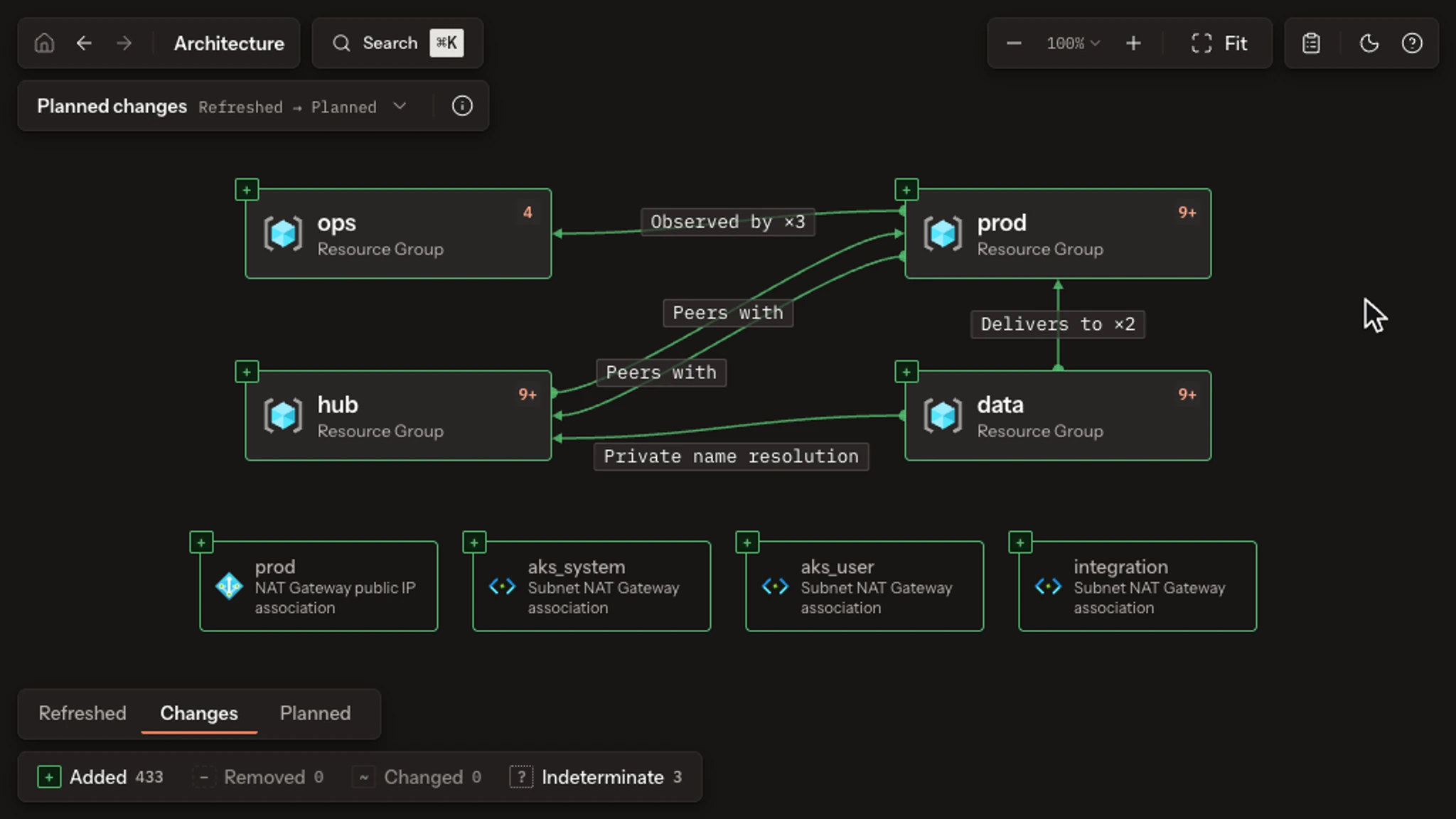
Rootform reads the JSON that terraform show -json exports, from a saved plan
or from state. It never runs Terraform or OpenTofu, executes a provider, or
contacts a cloud account, so an export you already have is enough, even
offline. A state export gives a Recorded architecture: a snapshot of the
architecture recorded in state, which you explore, explain, save, and compare
like any other Form.
Every placement and connection it draws is a fact a Dialect Rule established from that export, and you can ask for the evidence. When a value is unknown until apply or the evidence is ambiguous, Rootform says so instead of guessing.
- Quickstart
- Open a sample Form in the Playground, read the evidence behind one placement, then run the same analysis locally. Tutorial
- Analyze your plan or state
- Export a completed plan and open its architecture, or open the architecture recorded in state. Tutorial
- Glossary
- Look up terms used in Forms, comparisons, Policy results, and project configuration. Reference
- Explain an architecture
- Ask the terminal why an instance is placed, what a Rule established, and how a Policy decided. Guide
- Check a Form with Policies
- Evaluate a Policy Pack, read the verdict, and keep the result for review. Guide
- GitHub
- Review architecture and Policies in your pull requests and Job Summaries; retain the Form for reuse. Guide
- Other CI/CD
- Keep the same Form and review reports in GitLab, Azure Pipelines or a custom runner. Guide
Integrations brings these workflows together.
How Rootform works explains how instances, Rules, facts, and closures fit together. Forms and stages describes what a saved Form keeps, and Trace a placement plans a VPC and a subnet to show how a saved plan settles a reference unknown until apply. Comparisons and drift keeps planned changes, drift, and differences apart, and Dialects explains where architectural meaning comes from. Check provider coverage for interpreted types, declared facts and compatibility before installation. Embedded Dialects need no project configuration. Instances remain in the Form even outside interpretation coverage; Rootform does not invent architectural meaning for them.
Use outputs and exit status for automation, limitations for evidence boundaries, and troubleshooting for failed operations.